



Why portable monitors feel so useful so fast
A portable monitor solves a very specific problem. Your laptop works anywhere, yet one small screen can make real tasks feel cramped, crowded, and slow.
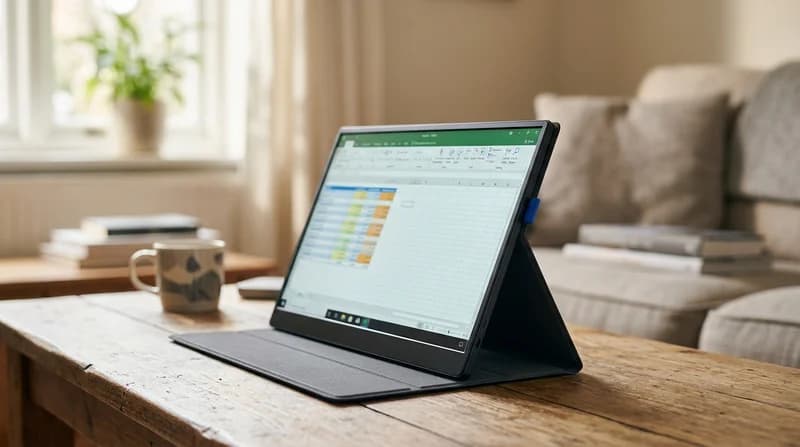
Add a light second display and everything changes. Spreadsheets stay open. Notes remain visible. Calls, chat, and documents stop fighting for the same space, as a wider view gives your mind more breathing room.
That is why this category sits in its own lane inside Electronics. It is not a desk bound monitor. It is not a tablet. It is an instant second screen built for movement.
So which type actually fits your day best?
Choose by real setting, not screen size alone
For trains, flights, and tight café tables
Look for a slim portable monitor with built in stand or a strong cover stand, as travel surfaces are often narrow and shaky. A huge panel can sound tempting, yet a lighter 13 to 15.6 inch screen often feels easier to carry, open, and angle quickly.
You want a display that slides out smoothly, sits firmly, and does not wobble when the table vibrates. That steady feel matters more than an extra inch when you are balancing coffee, charger, and laptop in one small space.
For hotel desks and remote work
A 1080p portable monitor for remote work is often the sweet spot, as text looks crisp without pushing power draw too hard. Good brightness helps charts, email, and browser tabs stay clear instead of washed out under daylight or overhead room lighting.
If you also use video calls, pair your setup with Webcams or Microphones for a cleaner remote desk flow.
For shared offices and dual screen laptop work
A portable monitor for dual screen laptop setup should open fast and connect with minimal fuss, as shared desks rarely leave time for cable puzzles. USB C models feel especially tidy when your laptop supports video over that port.
If your machine runs short on connections, USB Hubs can help organise your setup more neatly.
For gaming on the move
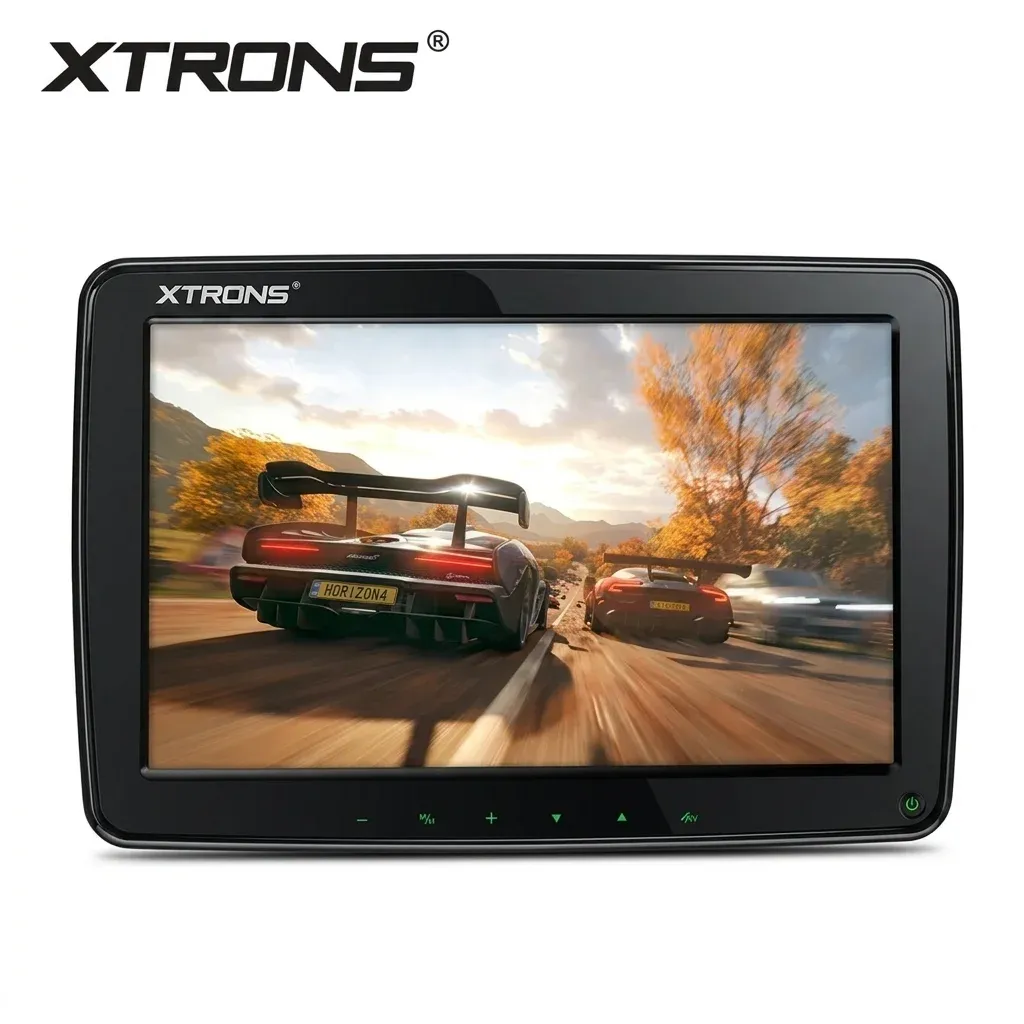
A portable gaming monitor for switch and console needs more than a nice panel. You want low hassle connections, solid brightness, and a stand that stays planted during fast sessions, as shaky positioning can ruin the whole feel.
When the picture looks vivid and motion feels smooth, downtime becomes more immersive. Sound matters too, so many travellers also browse Bluetooth Speakers or Over-Ear Headphones for a fuller escape.
What matters most when comparing models
Brightness
Brightness changes everything, as a dull screen can make even a good resolution feel lifeless. If you work near windows or under strong ceiling lights, a brighter panel keeps text readable and colours more alive.
Connection type
A usb c portable monitor for work travel feels wonderfully simple when one cable handles video and power. Yet not every USB C port carries video, as some laptops and phones support charging only.
That is why HDMI input still matters on many models. It gives you a fallback path when your device cannot send display output through USB C.
Power draw
Some screens run happily from one cable. Others need extra power input, as brighter panels or certain touch models ask more from the source device. If you expect a clean one cable setup, check this first.
For longer sessions away from sockets, many people also keep Power Banks and Charging Cables close by.
Stand design
A cover stand can look sleek in photos, yet the real test is how it feels on a live table. Does it slide, flex, or tip when you tap the screen? A stable stand creates a calmer, more confident work rhythm, as your eyes and hands stop compensating for movement.
Touch support
A touch screen portable monitor for laptop use can feel natural for tapping menus, sketching, or moving through creative apps. It suits people who like direct control, as fingers can replace some mouse movement in tighter spaces.
Still, touch is not essential for everyone. If your main use is documents, email, and research, a bright non touch panel may feel lighter, simpler, and easier on power.
Costly mistakes to avoid before you choose
The first costly mistake is choosing by size alone. A larger screen sounds better, yet it can become awkward in a backpack and frustrating on small tables, as portability is about the whole carry experience, not the diagonal measurement.
The second mistake is assuming every USB C device will show video. Many do not, as full function USB C support varies by laptop, phone, and handheld console.
The third mistake is ignoring panel quality. A cheap screen may look flat, pale, or hazy in daylight, as low brightness and weak contrast strip away the sharp, satisfying feel people expect from a second display.
The fourth mistake is overlooking power needs. Some models need extra power input for stable use, as one cable convenience is not universal.
And there is one more detail many people miss. How much does the stand angle affect neck comfort over a full afternoon?
Which portable monitor type fits you best
Best for laptop and travel
The best portable monitor for laptop and travel usually balances four things well. It stays light in the bag, looks bright enough in mixed lighting, connects without drama, and stands securely on varied surfaces.
Best for MacBook and Windows
A portable monitor for macbook and windows should offer flexible inputs, as mixed device households often switch between systems. USB C plus HDMI gives more freedom and fewer dead ends.
Best for office travel
A lightweight second screen monitor for office travel should feel almost invisible until you need it. Thin frames, low cable clutter, and quick wake up make hotel rooms and borrowed desks feel more professional in seconds.
Best for entertainment
If films and casual play matter as much as work, lean toward a vivid 1080p or better panel with stronger brightness, as richer contrast and cleaner detail make every scene feel more alive.
If you are building a fuller mobile setup, you may also want Projectors for larger room viewing or Tablet Accessories for companion devices.
Build a smoother setup around your screen
Portable monitors work best when the whole setup feels friction free. A stable desk light from Desk Lamps can reduce eye strain in dim rooms, as poor lighting makes even a good display work harder.
If you travel between work and leisure, browsing the British branch of the Chinese marketplace can help you compare compact gear in one place. On AliExpress UK, the strongest picks are usually the ones that make setup feel quiet, quick, and dependable.
The real win is not just extra pixels. It is the feeling of opening your bag, connecting in moments, and hearing your day click into place with less friction. Once you know your setting, the right screen becomes much easier to spot.