









Driverless card capture for access-control desks
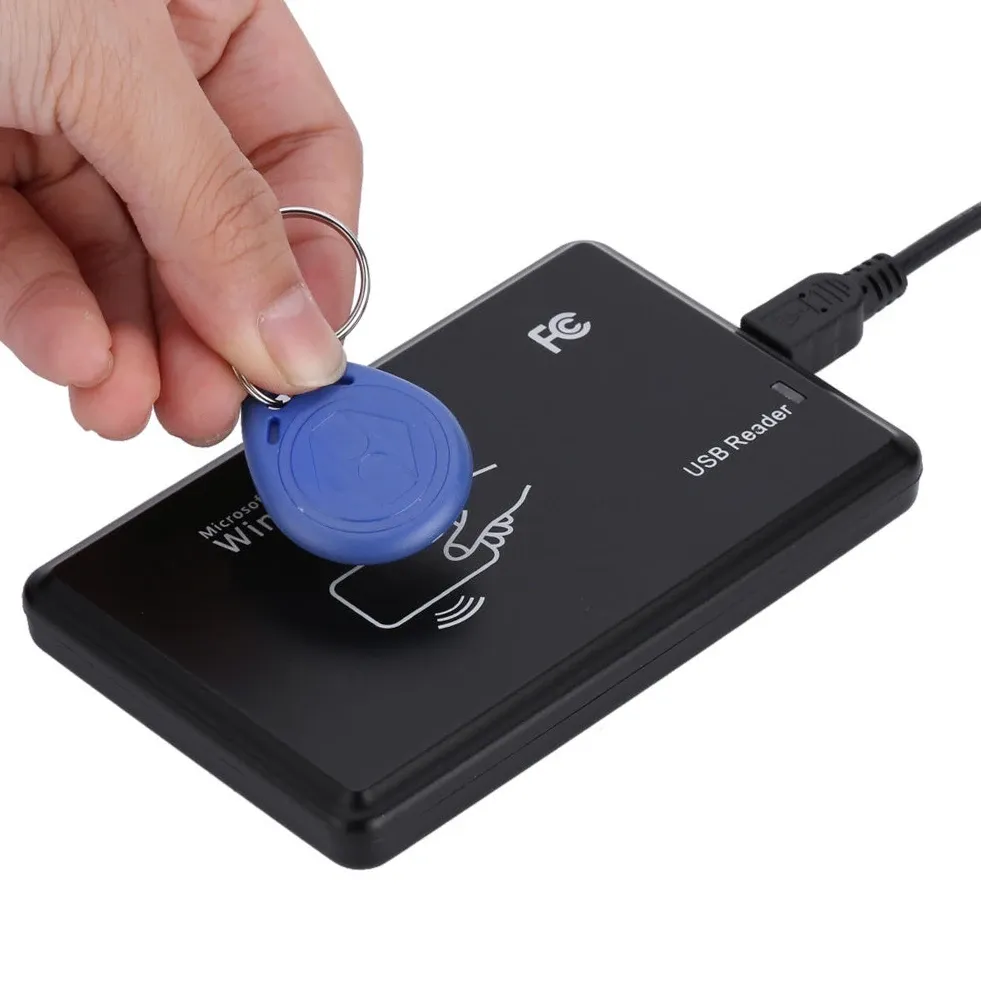
This 5YOA reader solves a simple but common problem: getting an RFID card number into a computer fast, without opening specialist software or wiring in a separate power supply. It behaves like a keyboard, so the card UID appears directly in Notepad, Excel, or enrolment tools as soon as the tag is presented.
The brand has built a decent reputation in the AliExpress UK niche for low-cost access-control accessories that focus on practical function rather than marketing gloss. That matters here, because a reader like this is only useful if it connects cleanly and stays predictable during day-to-day use, so how does it perform in practice?
What the USB interface changes in daily use
Plug-and-play USB is the main advantage of this model, especially for installers who need a quick station for card registration or UID checks. The reader draws power from the computer, which keeps the setup tidy and removes the clutter of adapters around a reception desk or workshop bench.
According to the product description, the device emits a startup beep, then waits in a ready state with a red indicator light before flashing green when a card is read. That feedback is useful because you can confirm a successful scan without staring at the screen, which helps when you are handling multiple cards in sequence.

125kHz support with a narrow but clear purpose
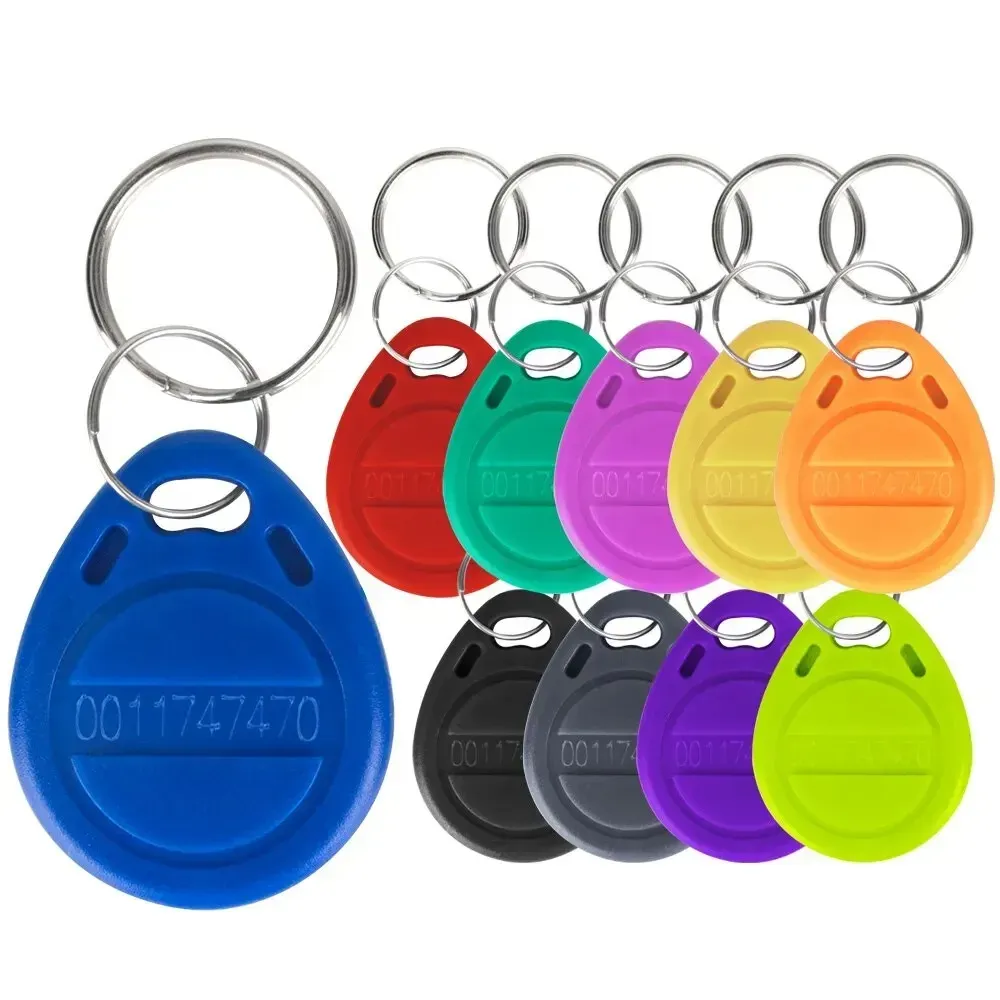
This unit is aimed at 125kHz ID cards such as EM4100, EM4102, and TK4100, so it fits older access-control systems and simple UID workflows rather than full-featured smart-card programming. The description also mentions 13.56MHz in the title, but the detailed specification is centred on 125kHz reading, which is the safer expectation for buyers.
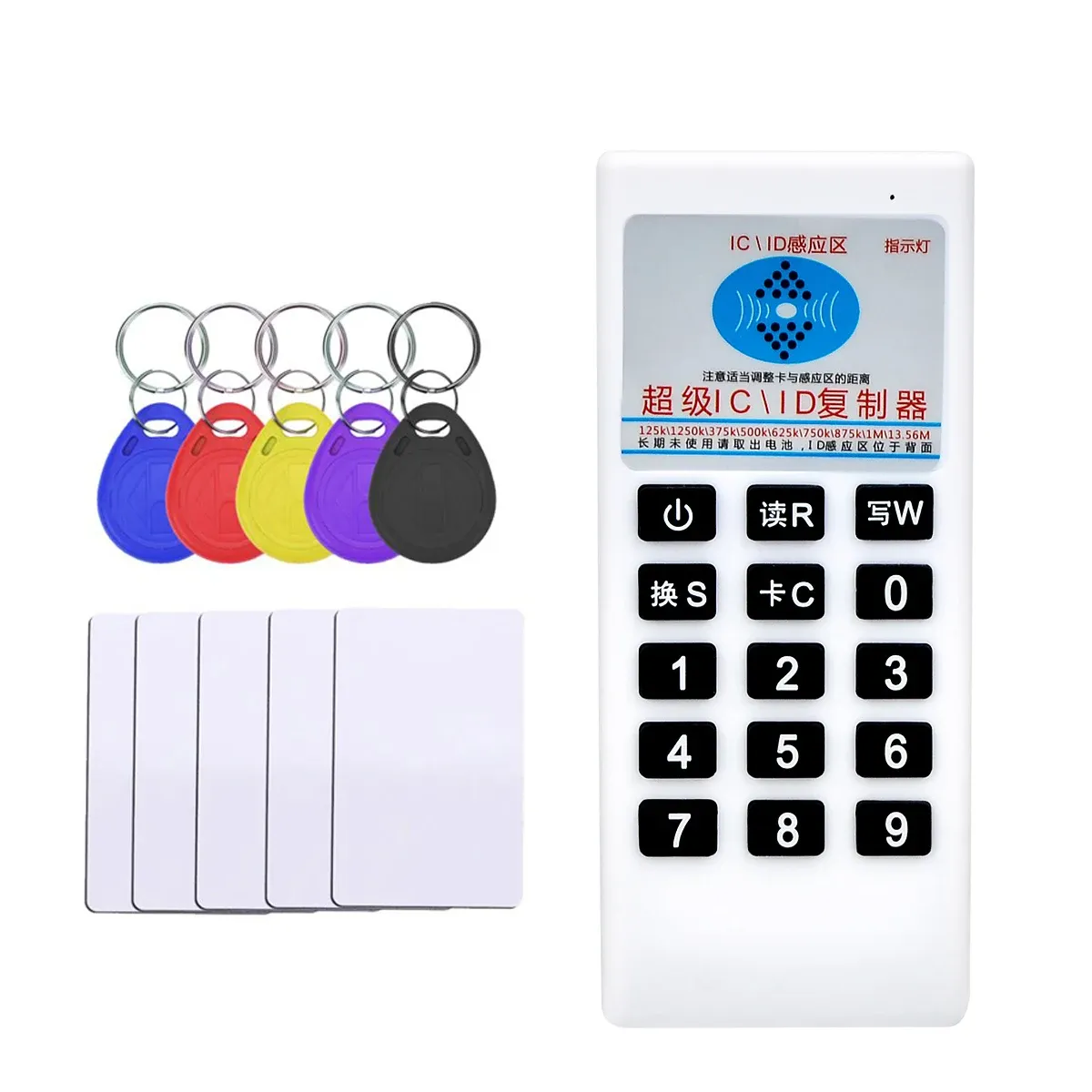
That distinction matters because some customers expect a writer or a multi-standard programmer, while this device is essentially a read-only input tool. One review even notes that it works like a keyboard for reading the UID and nothing more, which is exactly the limitation to understand before adding it to a toolkit.
Where it fits, and where it does not
For access-control installers, office admins, and DIY users managing a small card database, the reader offers a straightforward desk solution that feels faster than typing card numbers by hand. The compact form factor also makes it easy to leave beside a laptop or control terminal, so it is always ready when a new tag needs logging.

It is less convincing if you need broad chip compatibility or write functions, because the device is built around simple read-and-output behaviour. Real user feedback is mixed, with a solid average score but a few reports of detection issues, so this is a budget tool that rewards correct expectations more than ambitious use cases.
Best use cases for a £3.79 access-control tool
At this level, the value comes from convenience rather than advanced capability, which is why it makes sense for test benches, temporary setups, and basic registration tasks. If your workflow only needs the UID copied into a field instantly, the reader is doing the right job at the right cost, and that raises one last question: who is it really for?
- Ideal for quick UID entry into spreadsheets and enrolment forms
- Useful for older 125kHz ID card systems
- USB-powered, so no external supply is needed
- Keyboard-wedge style output keeps setup simple
- Best suited to read-only access-control workflows