







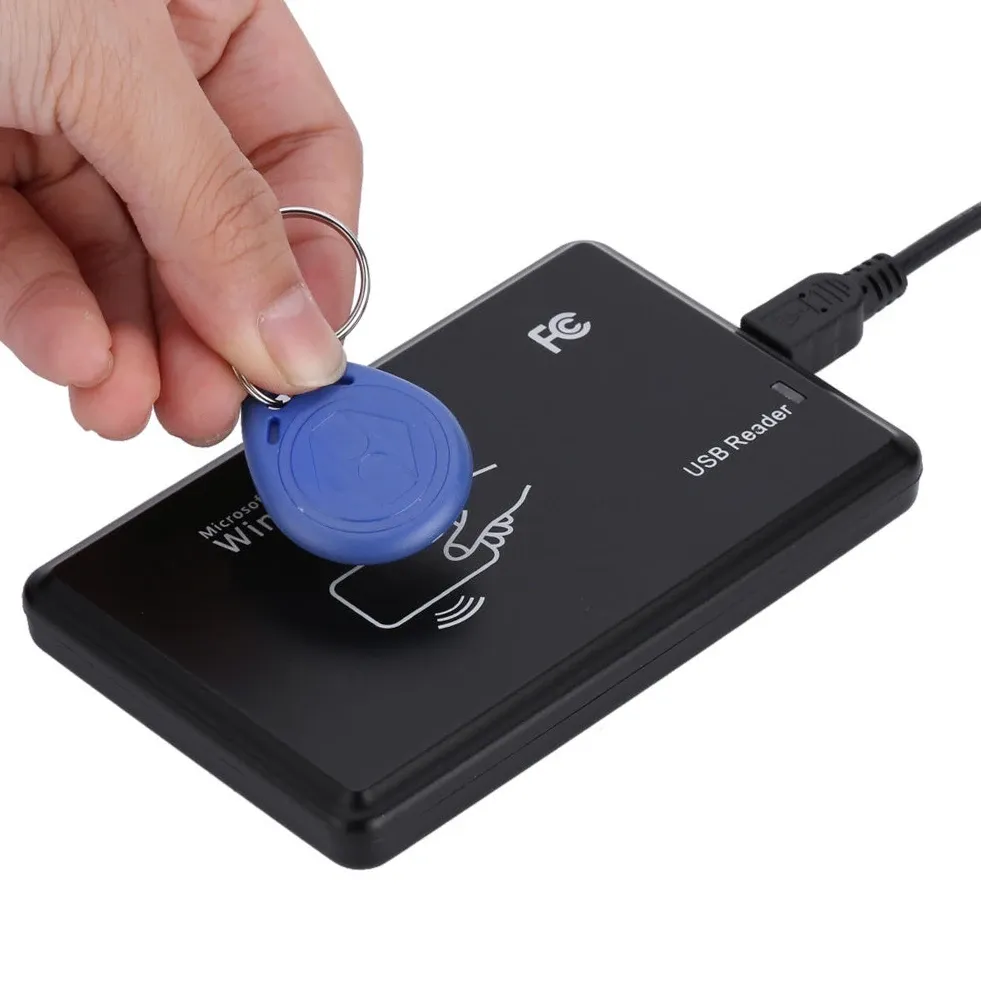
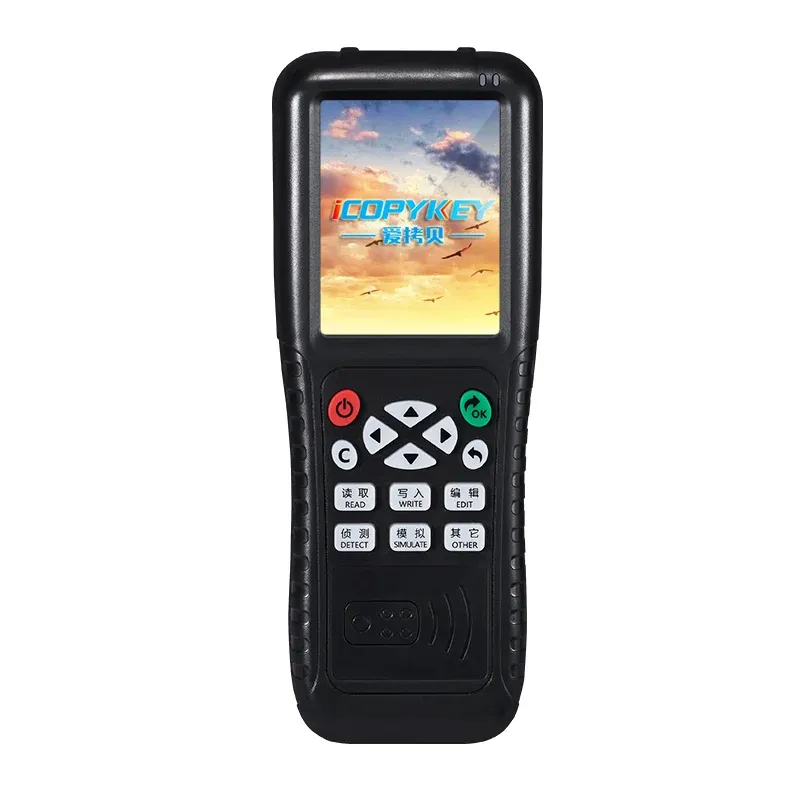
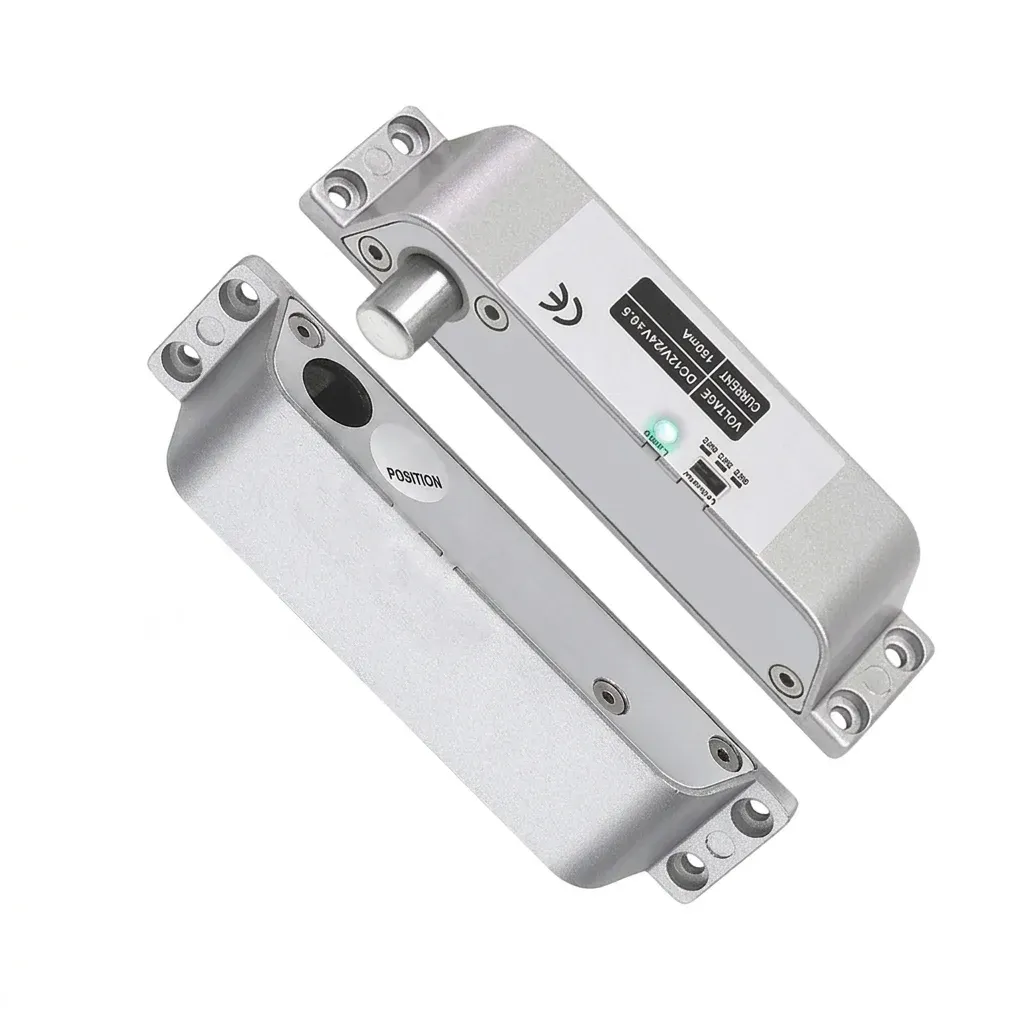


When access cards need cloning, this USB unit keeps the workflow simple
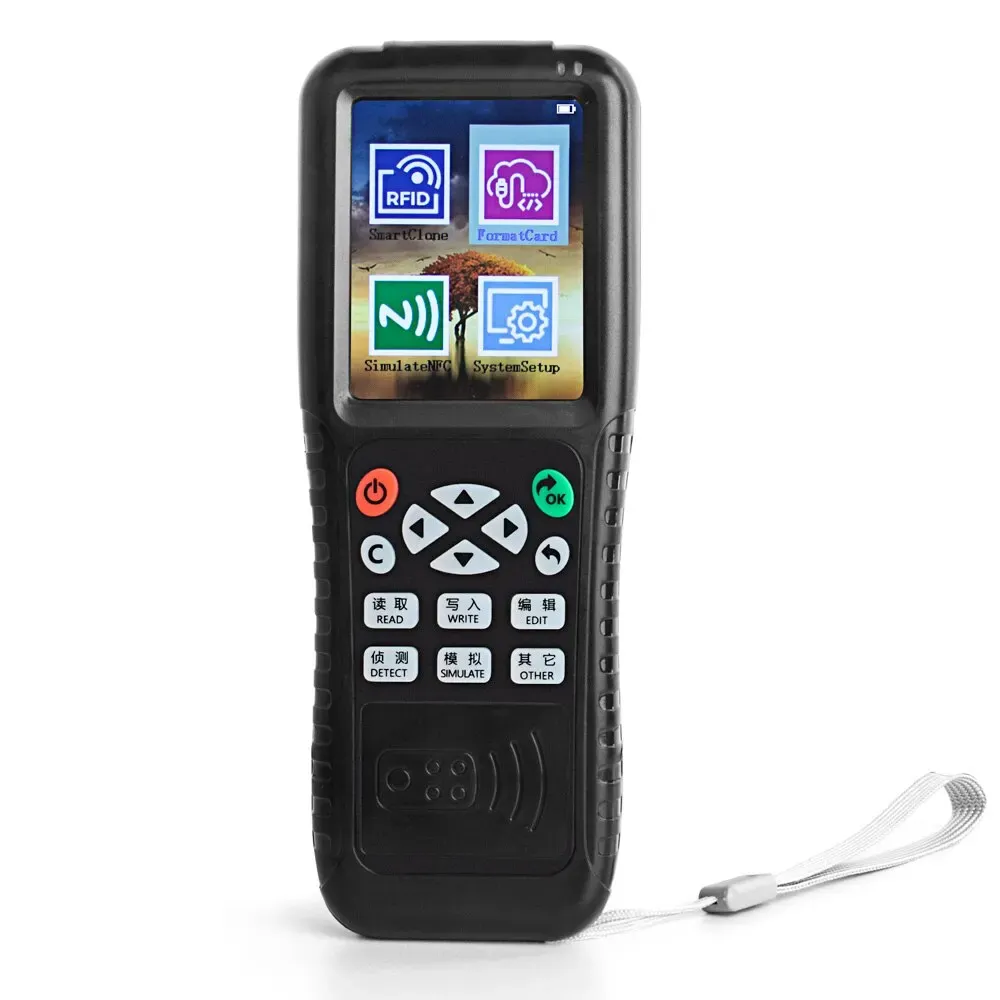
The iX100 is aimed at users who need a desktop tool for reading and writing common access credentials without moving to a more expensive access-control bench setup. Its USB connection and dual-frequency support make it practical for small installations, maintenance desks, and lab-style testing where speed matters more than a large feature set.
Real-world feedback is limited but very positive, and the small sample of customers reports that it works well. That matters here because this kind of device is judged less by marketing claims and more by whether it can handle the card formats already in circulation.
125KHz and 13.56MHz: the two frequencies that cover most daily access tasks
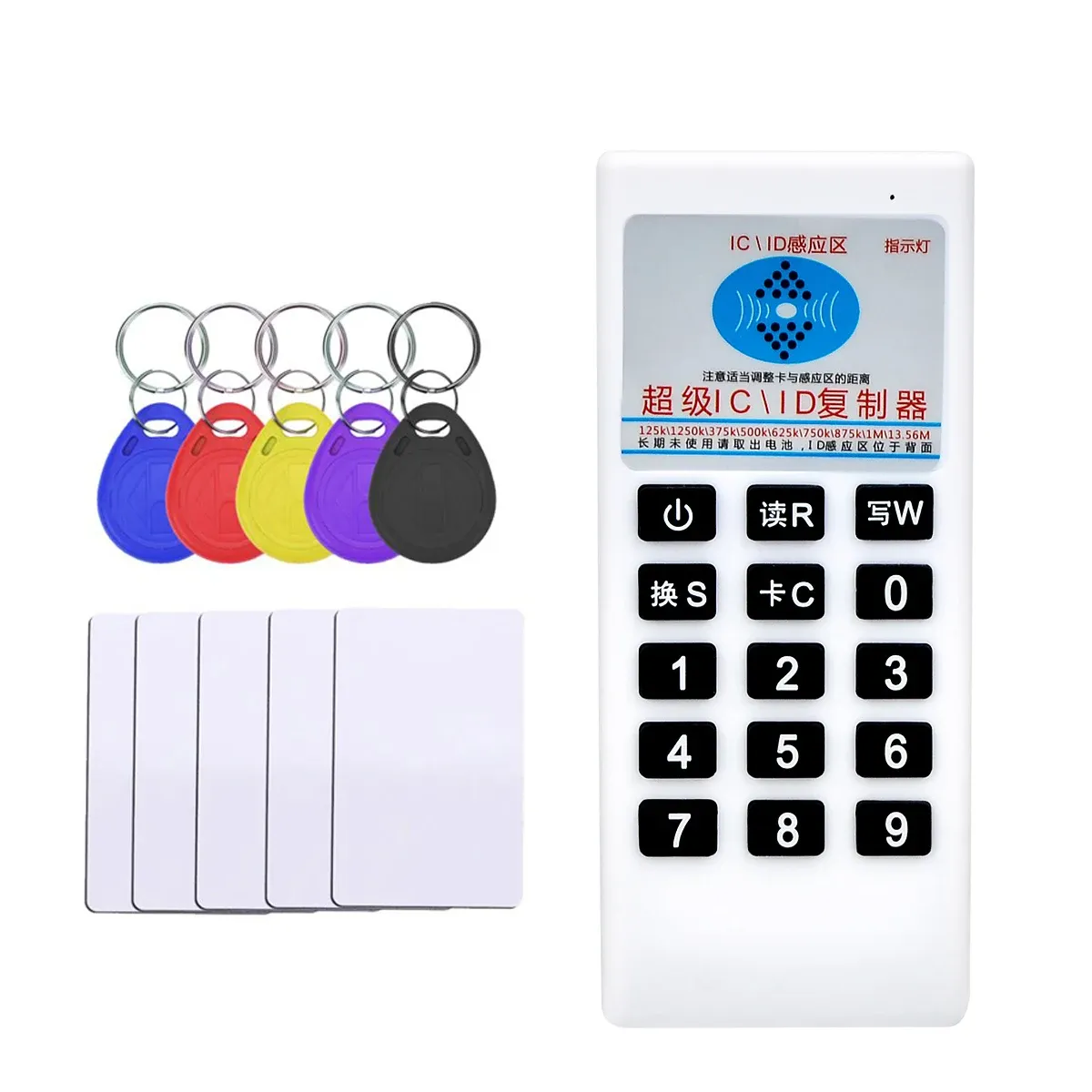
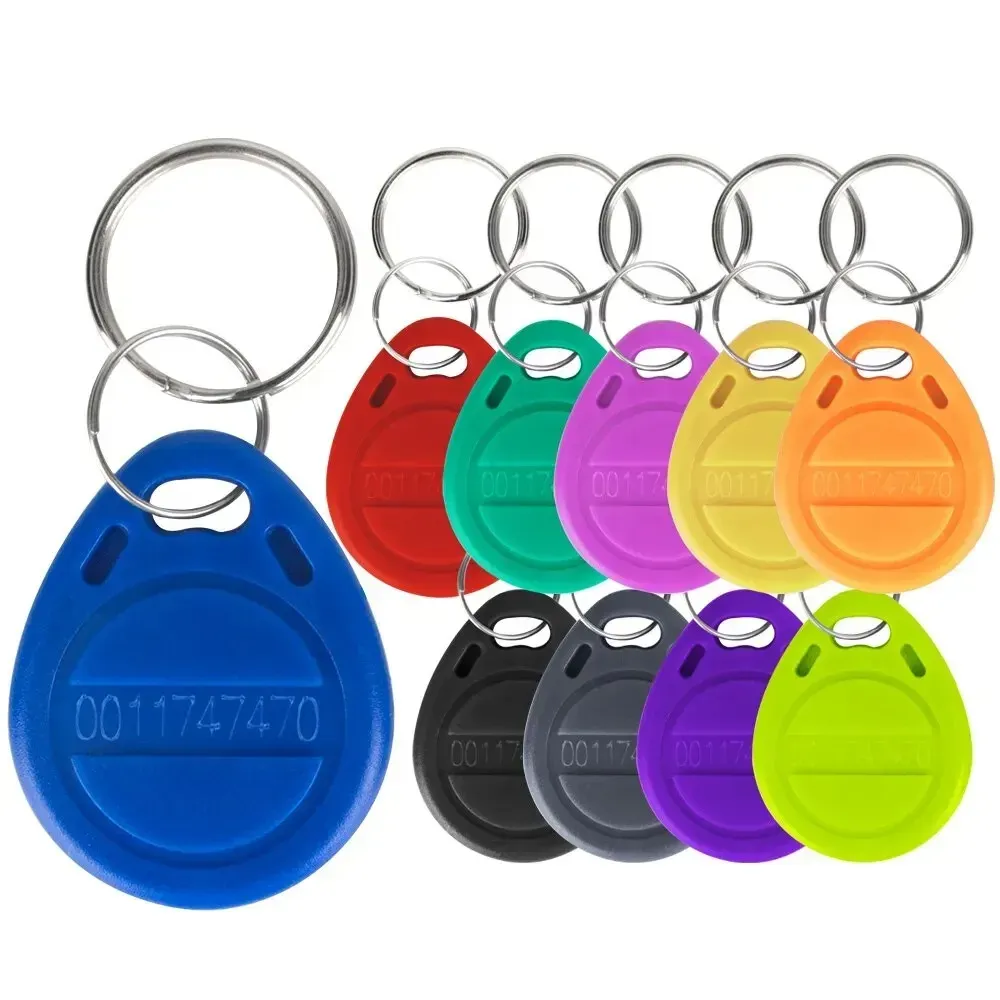
This reader-writer supports both 125KHz and 13.56MHz cards, which means it can handle many of the common badge and fob formats used in doors, time clocks, and shared entry systems. In practice, that reduces the need to keep separate tools on the bench, especially when you are matching legacy proximity cards with newer NFC-based credentials.
The important limitation is also clear in the product notes: not every card can be read or written, and encrypted or non-writable cards may simply be incompatible. That is not unusual in this category, but it does mean the X100 is best treated as a compatibility tool rather than a universal copier.
USB control suits workshop desks and access-control testing
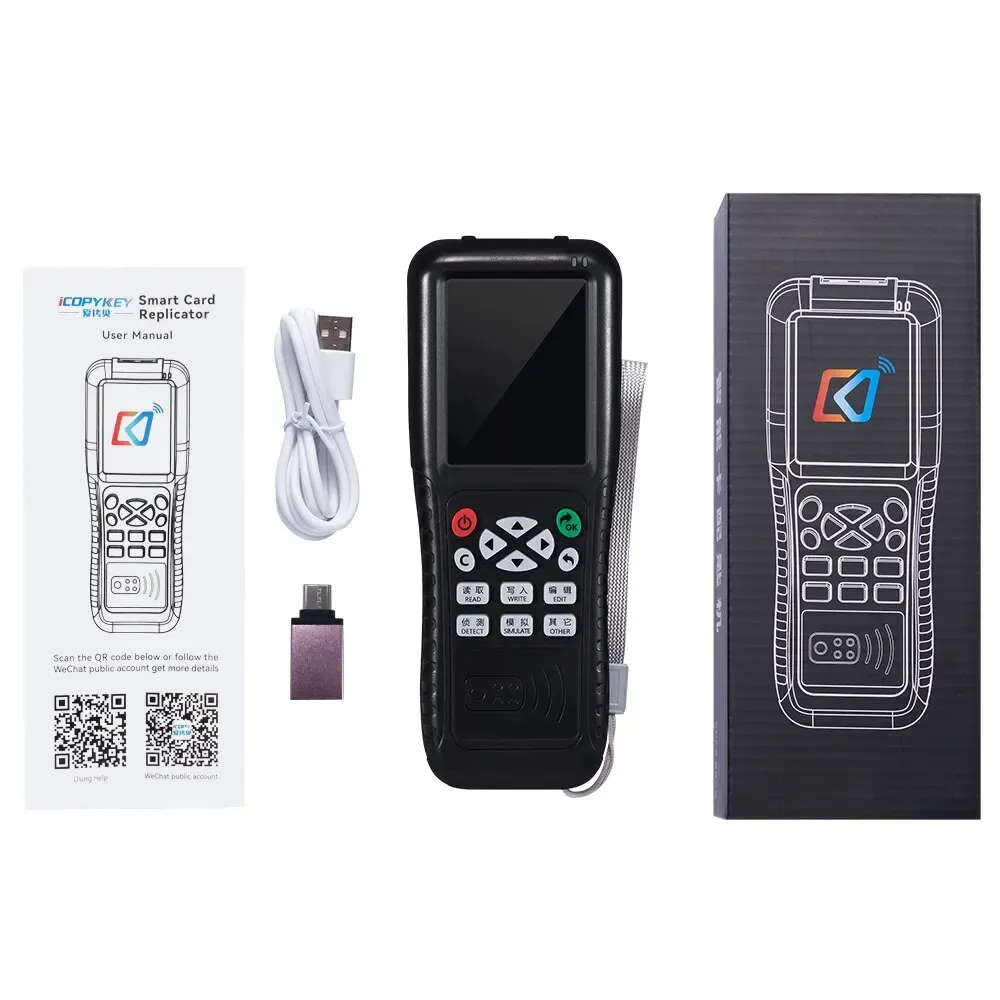
The USB interface keeps the setup familiar, with no battery to charge and no awkward handheld menu system to slow down repetitive work. For technicians, that usually translates into a steadier workflow because the device stays connected while cards are checked, duplicated, or verified on a laptop or PC.
Compared with standalone cloners, a USB programmer is often easier to manage when you need to document IDs or test several credentials in sequence. It is less mobile, but the trade-off is a cleaner desktop process that suits controlled environments, which is exactly where this type of tool tends to earn its keep.
What the compatibility warning tells you before you start
The manufacturer’s note is worth reading carefully: if a card does not read or write, the issue may be the card type rather than the device. That warning is useful because it helps set expectations for encrypted keys, unsupported chip families, and cards that are read-only by design.
For buyers in the smart-lock and access-control niche, this is the difference between a useful programmer and a frustrating one. If your current cards are common, writable formats, the iX100 should feel straightforward; if your environment uses protected credentials, the first step is checking card support before assuming a fault.

Who gets the most value from the iX100
This model makes the most sense for installers, office maintenance teams, and hobbyists who already know the card type they are working with. It is also a sensible fit for people who want a compact programmer for occasional duplication rather than a full professional access suite.
At £31.39, it sits in the budget-friendly end of the AliExpress UK access-control range, where feature depth is usually limited but the core task can still be done well. The appeal is not in extras; it is in having a simple USB tool that can handle the right cards without taking up much space.
- Dual-frequency support for 125KHz and 13.56MHz formats
- USB-powered desktop operation
- Designed for supported writable access cards and tags
- Useful for badge duplication and credential testing
- Compact setup for bench or office use
- Suitable for common smart-lock and access-control workflows
For users who understand their card ecosystem, that combination is often enough. The key question is not whether it is powerful, but whether your cards fall inside its supported range.